Outlook — Inbox Zero & Calendar Workflow
Organize email, automate routine messages, and run your calendar like a system.
Project-based
Email support
About this course
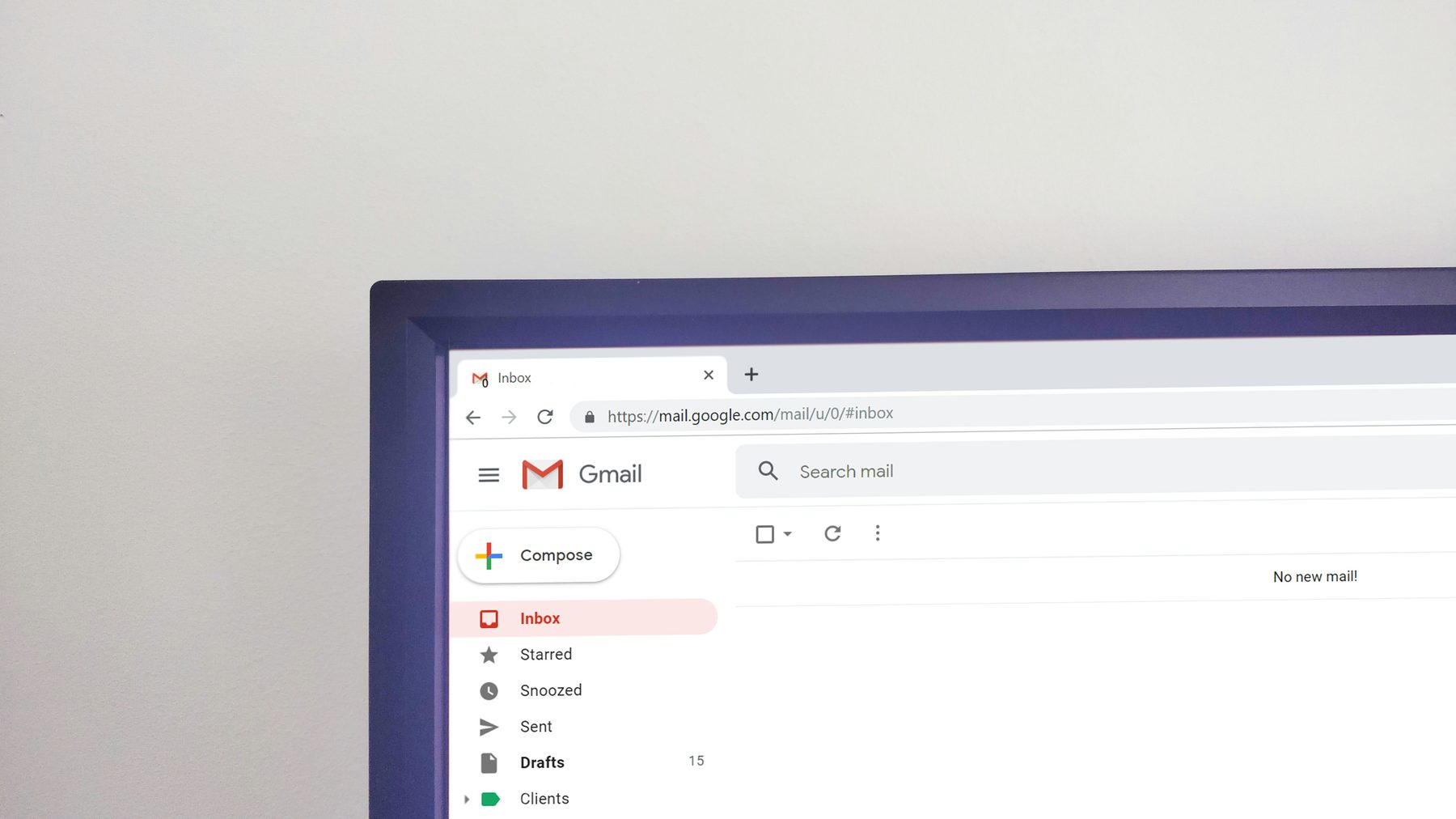
Outlook can either feel like a never-ending pile of messages — or it can become your personal operations system. This course teaches a realistic workflow for email and calendar that reduces noise, protects focus, and makes it easy to find anything later. We start by setting up your inbox properly: the folders and categories that actually help (and the ones that create clutter), view settings that surface what matters, and a simple rule for deciding whether an email needs action, reference, or deletion. Then we build an “Inbox Zero” style routine that works even when you’re busy: quick processing, flags, and follow-up reminders without relying on memory. Next you’ll learn automation. We show how to create rules that sort mail by sender or topic, use Quick Steps to handle repeated actions, and build templates for common replies so you don’t rewrite the same message every day. We also cover search and archiving: how to retrieve old messages quickly, use conversation view, and keep a clean but complete history. Calendar is where Outlook becomes a productivity tool. You’ll learn how to schedule in a way that protects deep work, set up recurring meetings safely, use availability tools, and manage multiple calendars if you have work + personal schedules. We cover meeting hygiene: agenda blocks, notes, follow-up tasks, and how to send clear invites that reduce back-and-forth. By the end, you’ll have a practical system: your inbox is organized, routine mail is automated, and your calendar supports your work instead of interrupting it. The goal isn’t “perfect productivity” — it’s calm, clear operations you can maintain.
What you’ll learn
- Inbox organization that stays simple
- Rules, Quick Steps, and reply templates
- Fast search, archiving, and conversation management
- Calendar systems: focus blocks and meeting hygiene
- A realistic, maintainable workflow
Who this is forAnyone who uses Office at work or school and wants a clean, professional workflow. If you feel like you “know the basics” but your files still look messy, this course is built for you.
Requirements: Office installed is recommended. A laptop/desktop is best for hands-on practice.
Choose your plan
Monthly
- Full access to all courses
- Downloadable templates
- Email support
6 months
- Everything in Monthly
- Priority updates & new templates
- Great value
Yearly
- Everything in Monthly
- Stay up-to-date year round
- Lowest monthly cost
Course outline
- Module 1 — Setup: workspace, settings, and the “professional defaults” that save you time.
- Module 2 — Core skills: the daily features you will use constantly (with shortcuts).
- Module 3 — Workflow: templates, consistency, and how to avoid common mistakes.
- Module 4 — Project: build a realistic deliverable and polish it to a professional finish.
Instructor note
This course is designed in a UDEMY-style format: short lessons, clear chapters, and practical outcomes. The goal is not to memorize menus, but to build confidence you can apply immediately.